







Sculpt detailed characters and models with this 3D digital painting and sculpting software
PRICE AVAILABLE ON REQUEST (info@staging.dream3d.co.uk)
Please scroll down to find full product specs, features, videos and more 👇
Mudbox® software is a digital 3D sculpting and painting tool for creating detailed characters and environments with beautiful textures.
Bring 3D designs to life with intuitive sculpting tools.
Add final touches to models with flexible texture painting capabilities.
Work faster with an easy-to-use layer-based workflow.
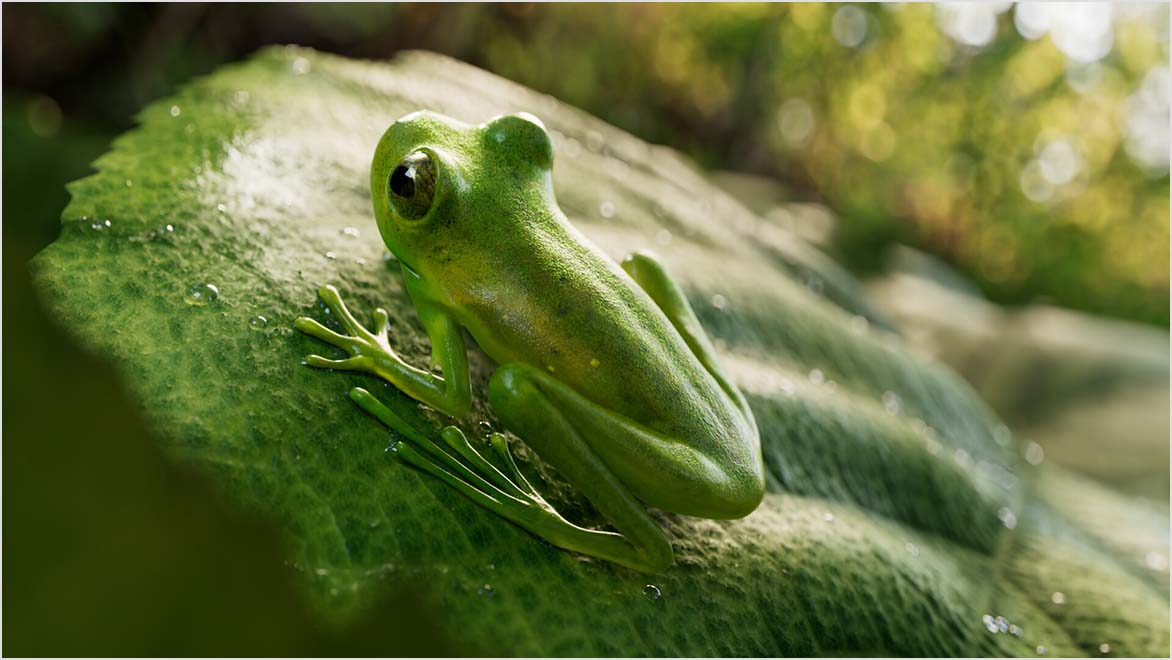
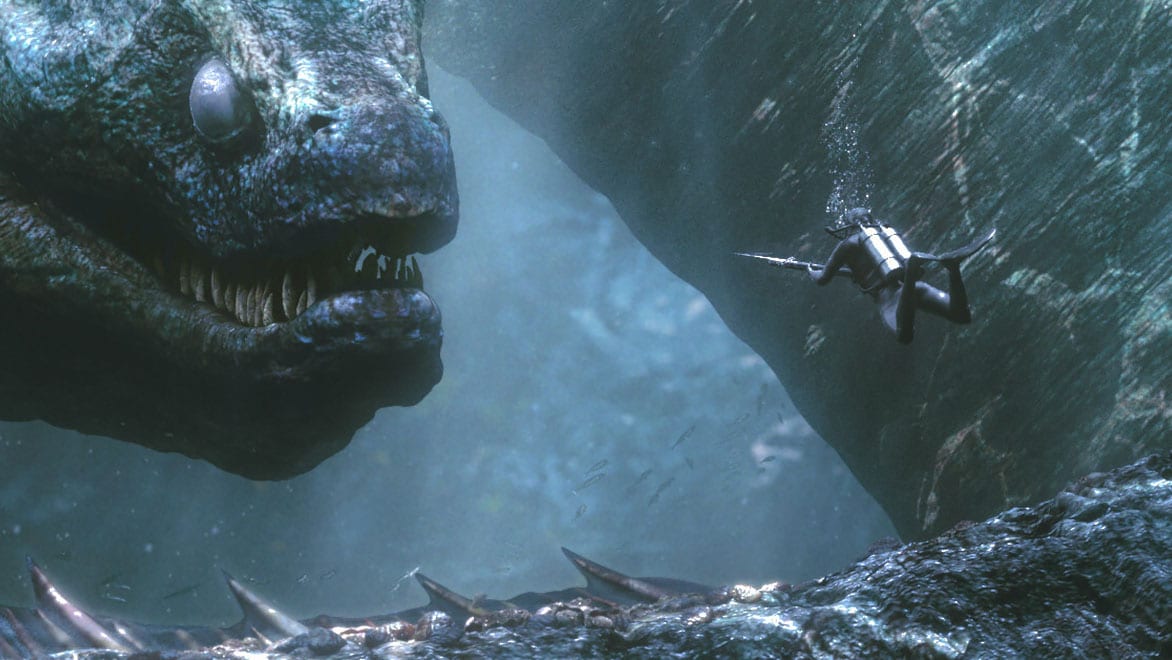
Andes giant glass frog (Espadarana Andina) by Saksham Kumar

Create clean and production-quality meshes from scanned, imported or sculpted data using advanced retopology tools.
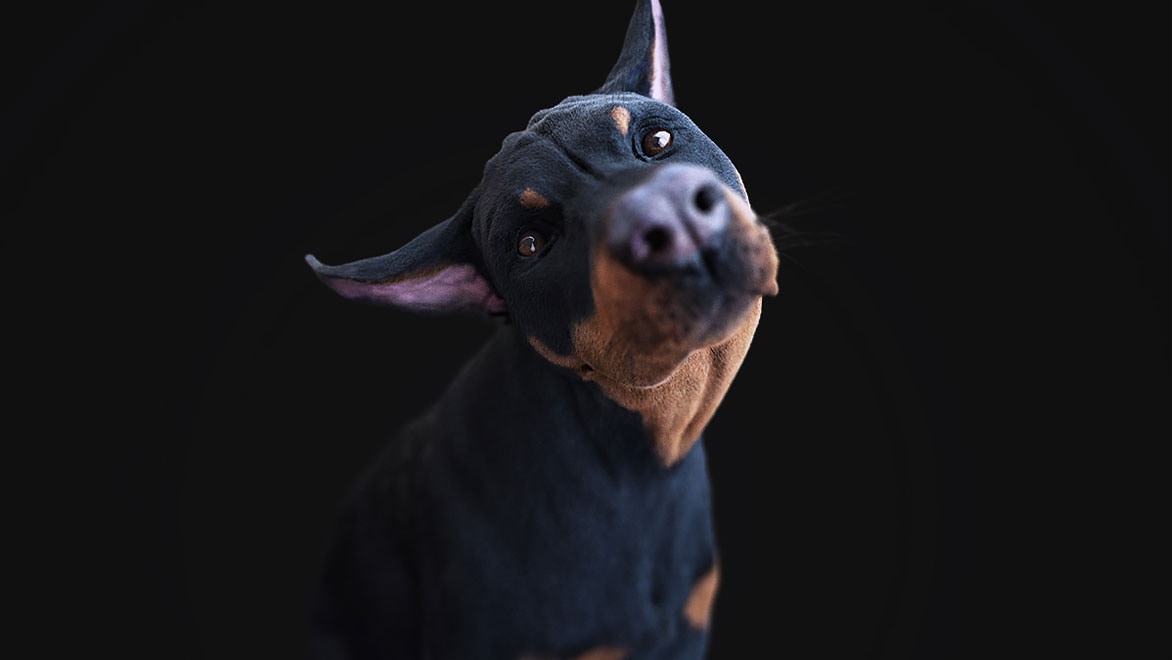
Manipulate 3D models by painting directly onto them across multiple channels or by adding resolution to a mesh in places that need it.
The Paint Tools let you apply digital paint to your models in Mudbox.
Along with PTEX painting, two basic paint modes are available in Mudbox:
Using these two paint modes in combination with the tool properties and other bitmap images provides the possibility for an unlimited variety of brush tips.
In this lesson, you’ll learn the basics of both techniques to apply paint to the sphere. (For more information on PTEX painting, see PTEX painting overview.)

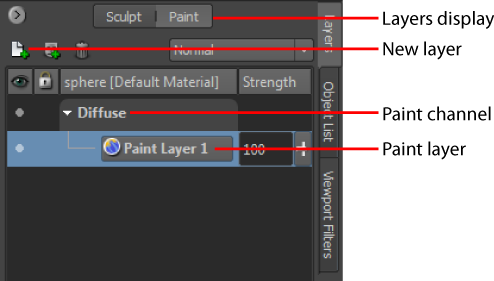
The Create New Paint Layer window appears before any paint is applied, because you need at least one paint layer to paint on a model. The paint layer stores your paint as a bitmap image.

For more information on paint layer options see Create a new paint layer. (The default layer settings are sufficient for this lesson.)
Mudbox creates a paint layer called Paint Layer 1 and you can now paint on the model.
Note that the Layers window automatically switches to display the Paint Layers window.
The default paint color is white.
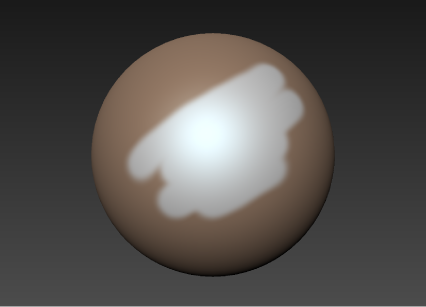
The Color Chooser window appears.
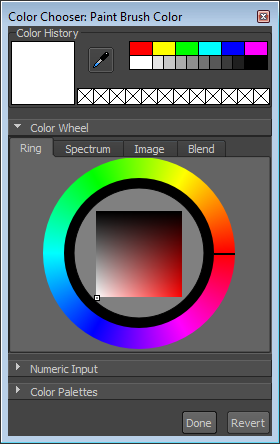

 from Paint Tools tray, then stroke across paint on the model.
You can also press Ctrl + Z immediately after painting to undo a stroke.
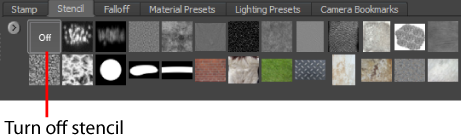
You can load images or textures into the 3D View and project a portion or all of an image onto a model.

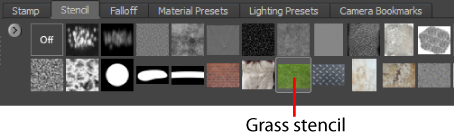
Mudbox loads the grass image as a stencil at the center of the 3D View. If the grass image fills the entire 3D View, press the S key while right-dragging to scale the stencil smaller. For more information, see Move rotate or scale a stencil.
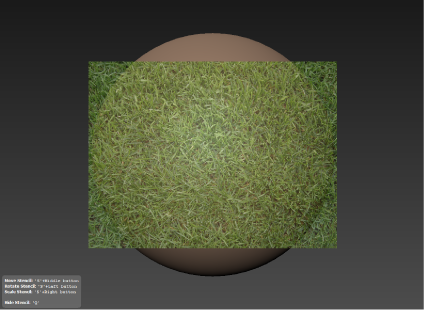
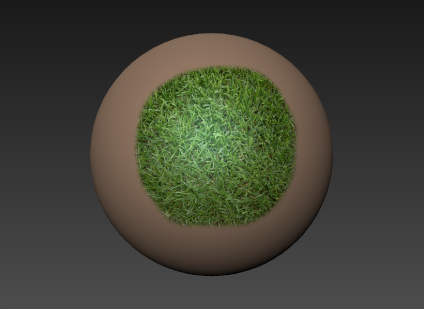
The grass stencil disappears as you stroke and paint is projected onto the model based on the stencil image. The stencil reappears after each stroke.
| Brands | AUTODESK |
|---|---|
| Parent Product Category | SOFTWARE |

Autodesk is an American multinational software company founded in 1982 by John Walker and a group of co-founders. Its flagship product, AutoCAD, was the first CAD program to run on a personal computer and went on to become the most widely used design application in the world.
Headquartered in California, Autodesk develops design and engineering software used across architecture, engineering, construction, manufacturing, and media and entertainment. Its widely used products include AutoCAD, Inventor, Revit and Fusion, supporting professionals from initial design through to manufacture.
In stock
| Weight | 20 kg |
|---|---|
| Dimensions | 20 × 20 × 20 cm |
| Software | 3D Printer Slicing Software |
| Parent Product Category | SOFTWARE |
| Brand | CREATBOT |
In stock
| Weight | 20 kg |
|---|---|
| Dimensions | 20 × 20 × 20 cm |
| Parent Product Category | SOFTWARE |
| Software | 3D Printer Slicing Software |
In stock
| Weight | 20 kg |
|---|---|
| Dimensions | 20 × 20 × 20 cm |
| Parent Product Category | SOFTWARE |
| Software | Product Design & Manufacturing Software, Reverse Engineering Software |





 3D Printer Types
 3D Printer Materials
 3D PRINTER PARTS/ACCESSORIES
 3D SCANNER PARTS / ACCESSORIES
Reviews
Clear filtersThere are no reviews yet.